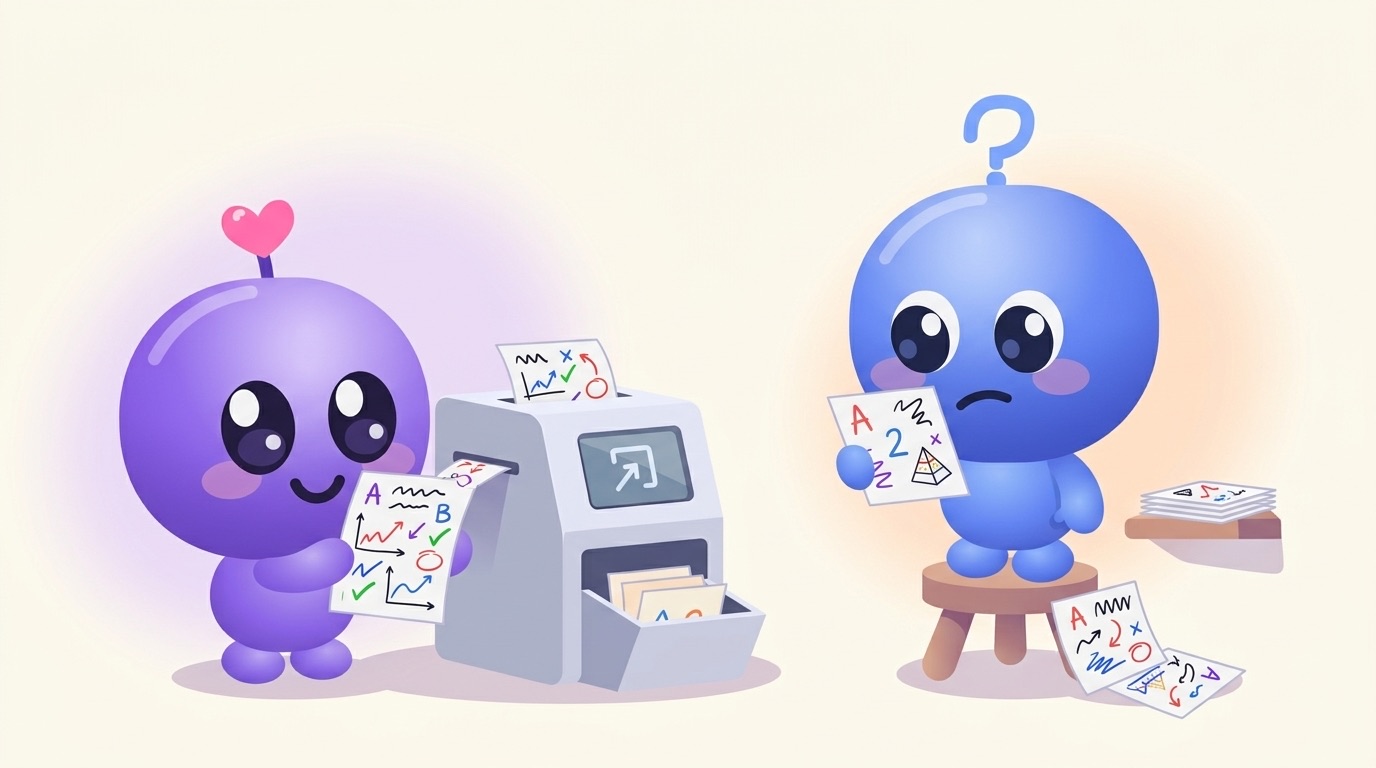
Every study app makes flashcards with AI now. Upload a PDF, wait ten seconds, get eighty cards. The problem is that many of those cards are bad, and bad cards are worse than none, because you spend real time memorising them.
So before the list, here's how to tell good cards from bad ones. It takes about a minute on any tool's output.
The 4-point test
1. One idea per card. "What are the five stages of the nursing process?" is fine. A card with four facts crammed on the back is a paragraph, and you'll never recall it cleanly.
2. It came from your material. If your lecturer called it "the ADPIE cycle", the card should too. Cards that drift into textbook-generic phrasing, or worse, add facts that weren't in your lecture, are a sign the tool isn't staying grounded.
3. It asks something. "Mitochondria: powerhouse of the cell" is a statement. "Which organelle produces most of the cell's ATP?" makes your brain do the work.
4. The answer fits in one breath. If you can't say it out loud in one go, split the card.
Bonus test, if the tool also makes multiple-choice quizzes: try answering ten questions without reading them, picking the longest option every time. When we audited our own quizzes, that strategy would have scored 67%. What we found and fixed.
The tools
The Study Mill: cards plus everything around them
The one I build. Upload slides, a PDF, notes, a photo of handwritten notes or a lecture recording. The flashcards link back to the lesson they came from, so a card you keep missing takes you straight to the explanation. Where a picture actually helps (a structure, a cycle, a pathway), a card gets an illustration.
Around the cards you also get short lessons, a quiz with written answers that get marked, and Walk & Learn audio, all built from what you uploaded. Free for 2 classes; Pro is A$7.99 a month, half price with a .edu email.
Knowt: the best free flashcard-first app
Makes cards from notes, PDFs and videos, imports Quizlet sets, and has learn and test modes. Free AI use is capped monthly. Knowt alternatives.
Quizlet: for shared decks
Quizlet's AI generation is on its paid Plus plan. Its real strength is the library of decks other students have already made.
Anki, fed by a generator
Anki doesn't make cards, but plenty of students generate them elsewhere and review them in Anki for its scheduling. Anki alternatives with AI.
A general chatbot
You can paste notes into ChatGPT, Claude or Gemini and ask for flashcards. It works, but check every card for things that weren't in your notes, and you'll have to move them into a study app yourself. How to use ChatGPT to study.
Quick comparison
| Stays with your material | Cards link to explanations | Also quizzes you | Free plan | |
|---|---|---|---|---|
| The Study Mill | Yes | Yes | Yes, marked answers | 2 classes |
| Knowt | Mostly | No | Yes | AI capped |
| Quizlet | Mostly | No | Yes | Capped |
| Anki | You write them | No | Reviews only | Full |
| Chatbot | Check it yourself | No | If you ask | Yes |
The part that matters more than the tool
Making cards is easy now. Reviewing them is where the learning happens: spaced out over days, marking honestly the ones you got wrong. Pick the tool you'll actually open tomorrow. How spaced repetition works.
Run the test on your own lecture
Upload a lecture and put the cards through the four checks above. Free, about a minute.
More: turning a lecture PDF into flashcards · Quizlet vs Anki
Competitor features and pricing are as published in October 2026. Check each app's own site.