Almost every student has one. A folder of lecture recordings labelled "rewatch before exam", most of them never opened again. Rewatching a full hour at normal speed is the slowest way to study a lecture, and passively listening doesn't do much for your memory anyway.
The faster route: get a transcript (most lecture platforms can make one), pull out the key ideas, and turn them into questions you'll answer later. Or upload the recording somewhere that does that for you. Three ways, from slowest to fastest.
1. By hand
- Watch at 1.5x or 2x with the slides open beside it.
- Only pause at "this will be on the exam" moments: definitions, worked examples, anything the lecturer repeats or stresses.
- Write questions, not notes. For each key idea, write a question you'll answer later ("What triggers the release of ADH?") instead of copying the answer down.
- Answer them two days later, then again a week later.
It works. It also takes about as long as the lecture, which is why it rarely happens for more than the first few weeks.
2. Transcript first
Echo360, Panopto, Zoom, Teams and YouTube can all produce transcripts. Skim it, mark the key ideas, then do step 3 above. Faster than rewatching, but transcripts are long and messy, and you still have to write the questions.
You can paste a transcript into a chatbot and ask for a summary or flashcards. Check everything against the lecture, though, because chatbots sometimes add things that weren't said. How to use ChatGPT to study.
3. Upload the recording
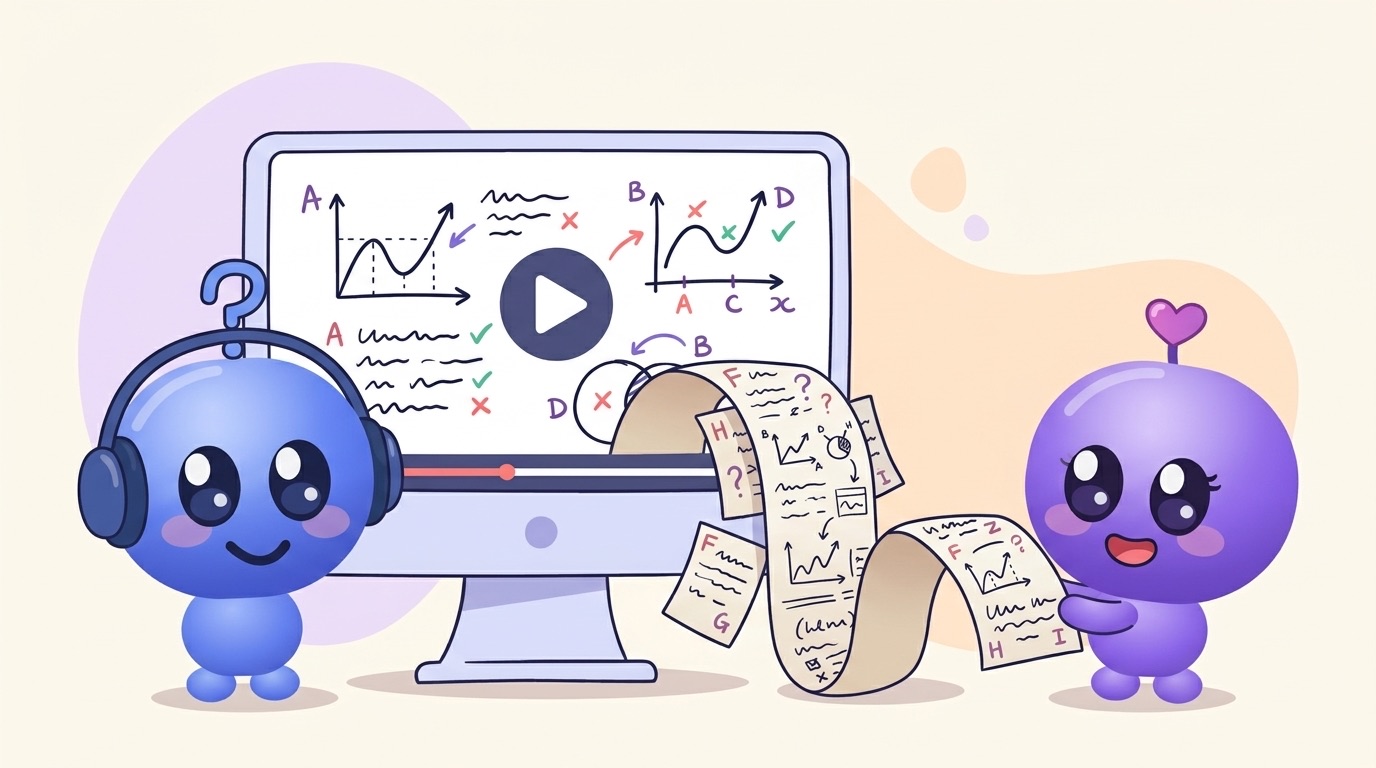
The Study Mill, which I build, accepts lecture recordings (audio or video) alongside slides and PDFs. It transcribes the recording, then builds:
- Short lessons covering what was said, with analogies
- Flashcards that link back to those lessons
- A quiz with multiple choice and written answers that get marked
- Walk & Learn, the lecture taught back to you as two-host audio that asks you questions
If you upload the slides and the recording for the same week, it uses both. You get what was on the slides plus what was only said out loud, which is often where the exam hints are.
You can also record a lecture in the app on your phone and build it when you get home.
Whichever way you go
- Do it within 24 hours. You'll still remember the context, and it counts as your first review. Why the timing matters.
- Check your uni's rules before recording a lecture yourself, and don't share recordings or transcripts.
- The questions are the point. Notes you never test yourself on are just a tidier version of the recording.
Try it on one recording
Pick the lecture you're most behind on and upload it. Free, no card needed.
More: lecture PDF to flashcards · the best AI flashcard makers